Recording never starts on its own. Confirm the patient’s agreement, then start. Pause, resume, and finish are explicit. From the iPhone, the recording is sent to the Mac, and the iPhone drops its copy only after the Mac has it.
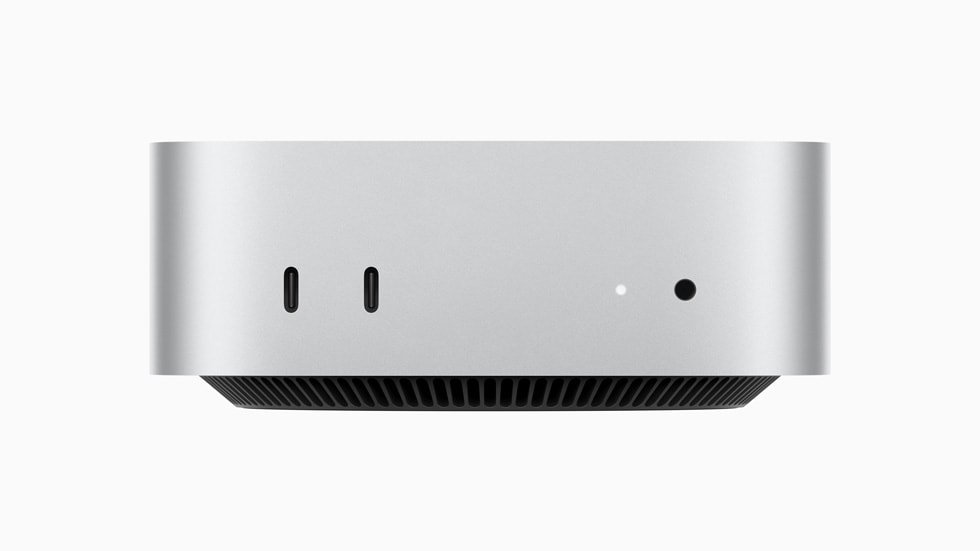
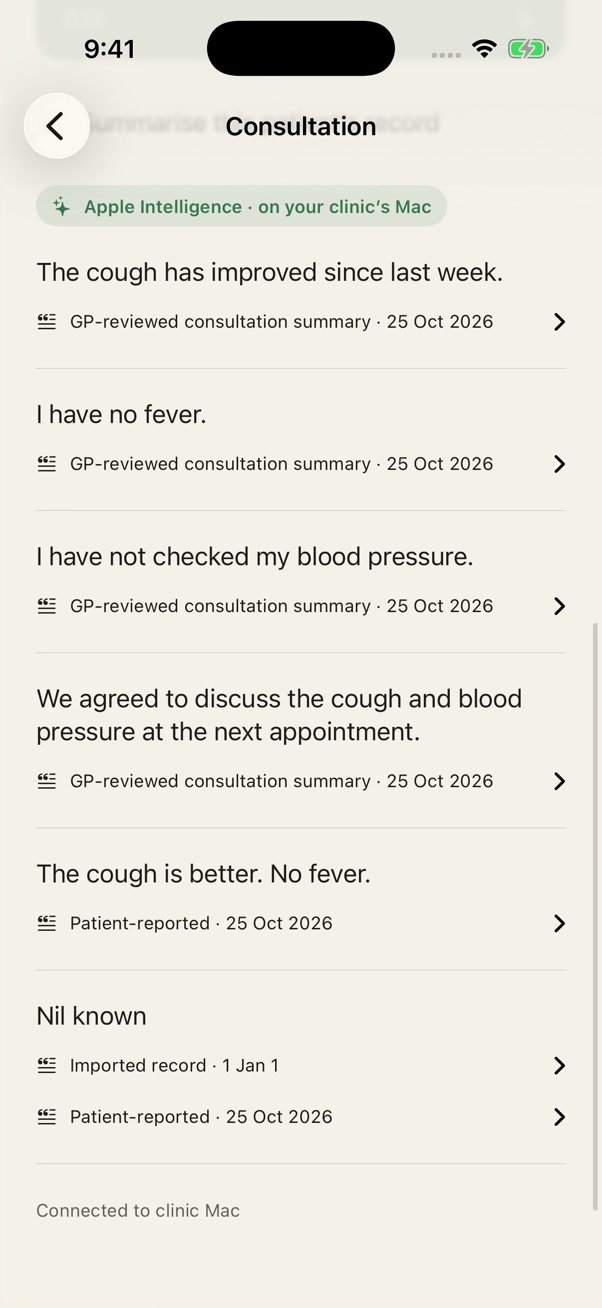
Apple’s on-device speech tools transcribe on the Mac. A draft follows. Correct the transcript or leave it. Corrections clear the previous draft, so you review again. Approve is what lets that summary into the record. Until then it stays out of later summaries and questions.
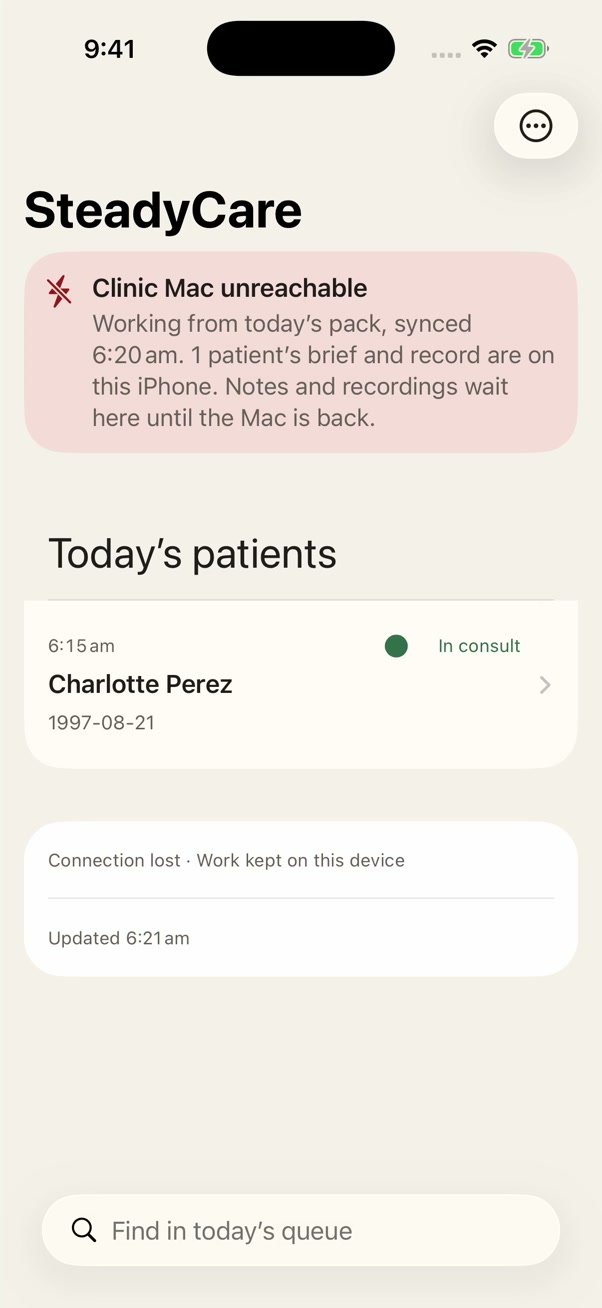
If the Mac is unreachable, a finished recording can be transcribed and drafted on the GP iPhone. After you approve it, the note is marked as recorded during a clinic outage and saved to the Mac on the next connection. The audio still uploads when the Mac is back.
 SteadyCare